RouterOS
RouterOS封禁模块
下载模块
shell
wget https://raw.githubusercontent.com/SecAegis/SecAutoBan/main/device/block/router_os/router_os.py配置RouterOS
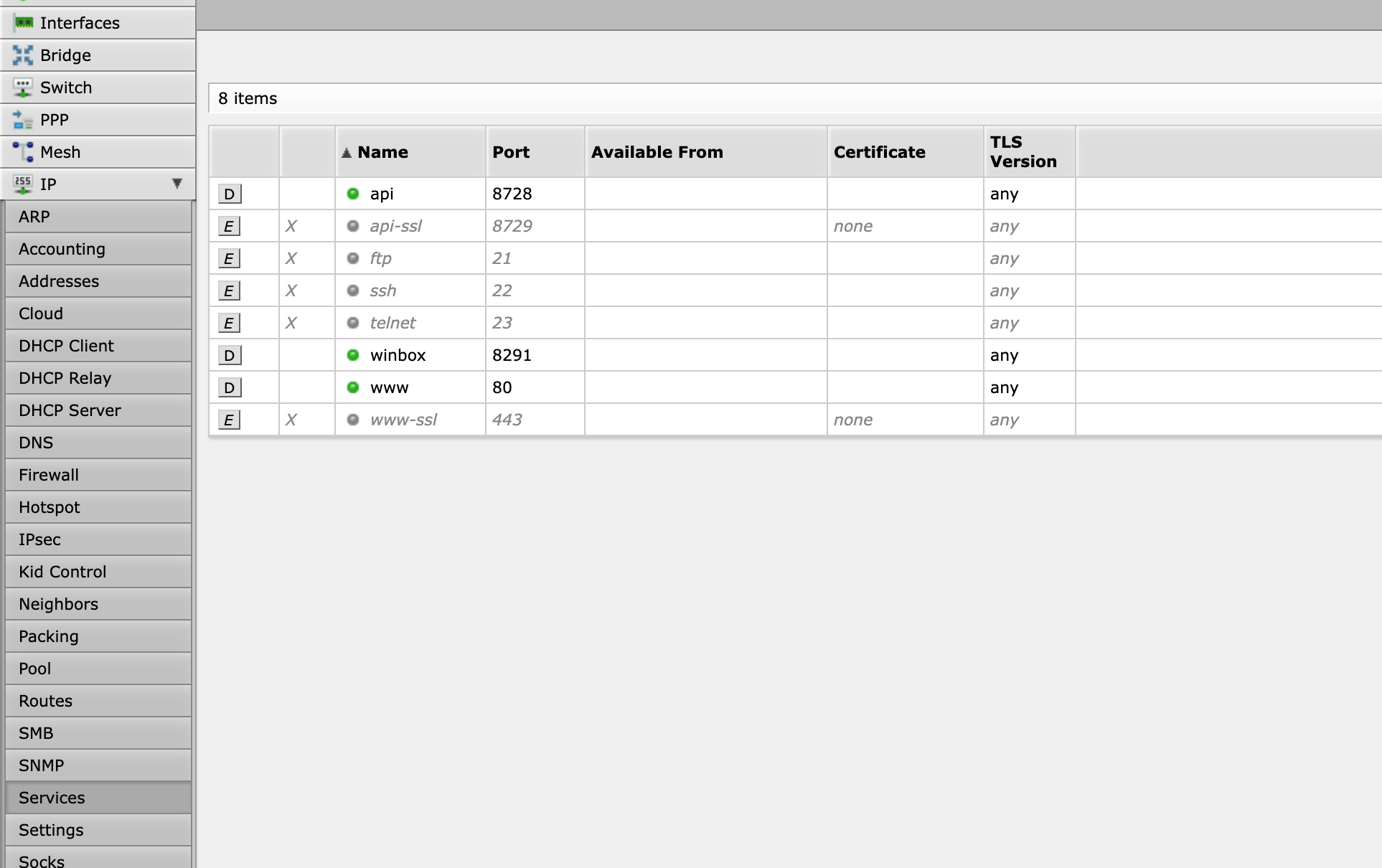
开启API
登录RouterOS管理后台,开启IP-Services-api
创建Address Lists
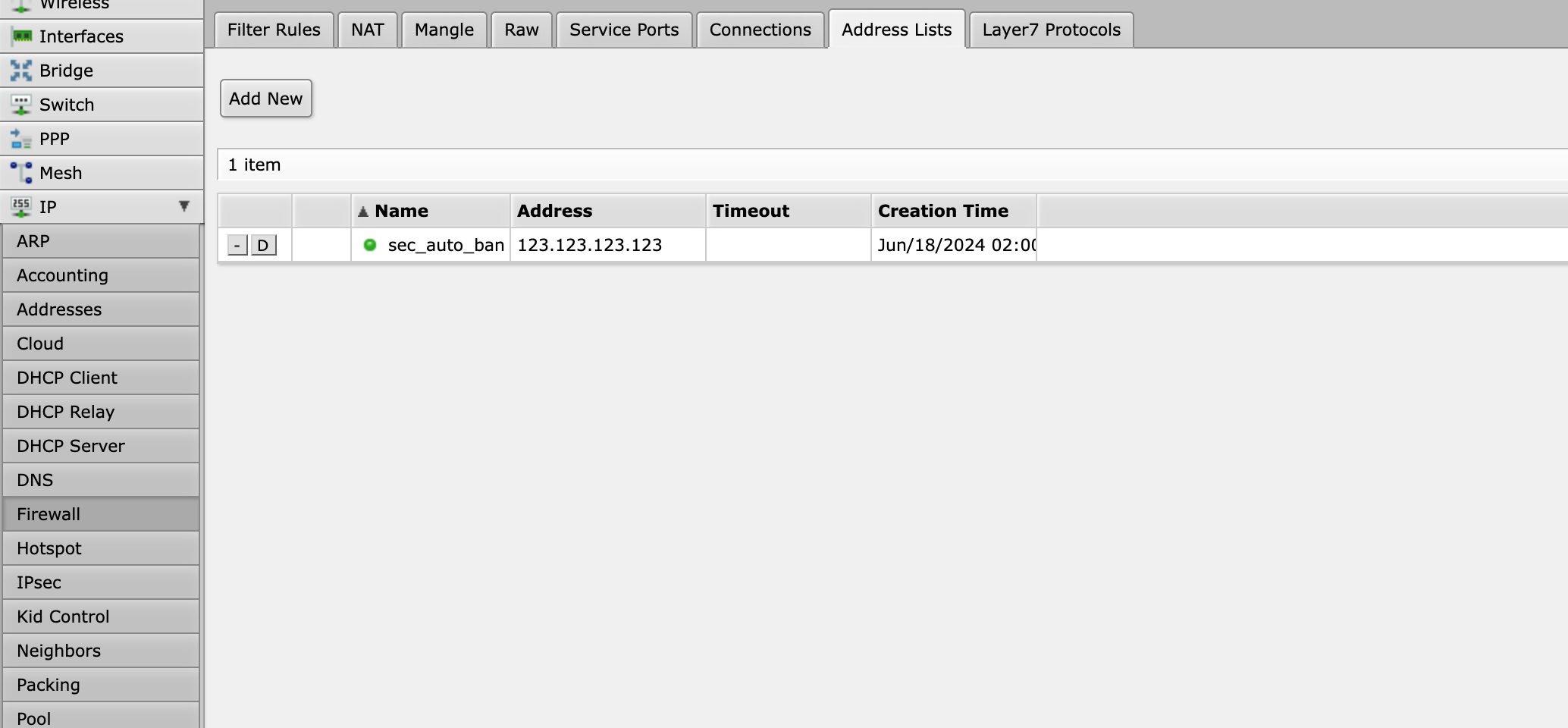
导航至:IP-Firewall-Address Lists。添加一条Address,其中Name为sec_auto_ban,IP填写一个不存在的即可。
创建防火墙规则
导航至:IP-Firewall-Filter Rules添加两条规则,分别丢弃来源和目的IP是Address Lists中的IP。
丢弃来源IP:


丢弃目的IP:

配置模块
安装依赖
shell
pip3 install SecAutoBan RouterOS-api修改回连核心模块配置
更改脚本第82-84行
python
server_ip = "127.0.0.1",
server_port = 80,
sk = "sk-xxx",修改RouterOS配置
更改脚本第73-80行
python
routeros_config = {
    "host": "",  # 与RouterOS连接的IP
    "port": 8728,  # 默认端口8728,如自定义请修改
    "username": "admin",  # 用户名
    "password": "",  # 密码
    "plaintext_login": True,  # 适用于 RouterOS 6.43 及更高版本
    "list_name": "sec_auto_ban"  # 与Address Lists name保持一致,正常情况无需修改
}运行
shell
python3 router_os.py